
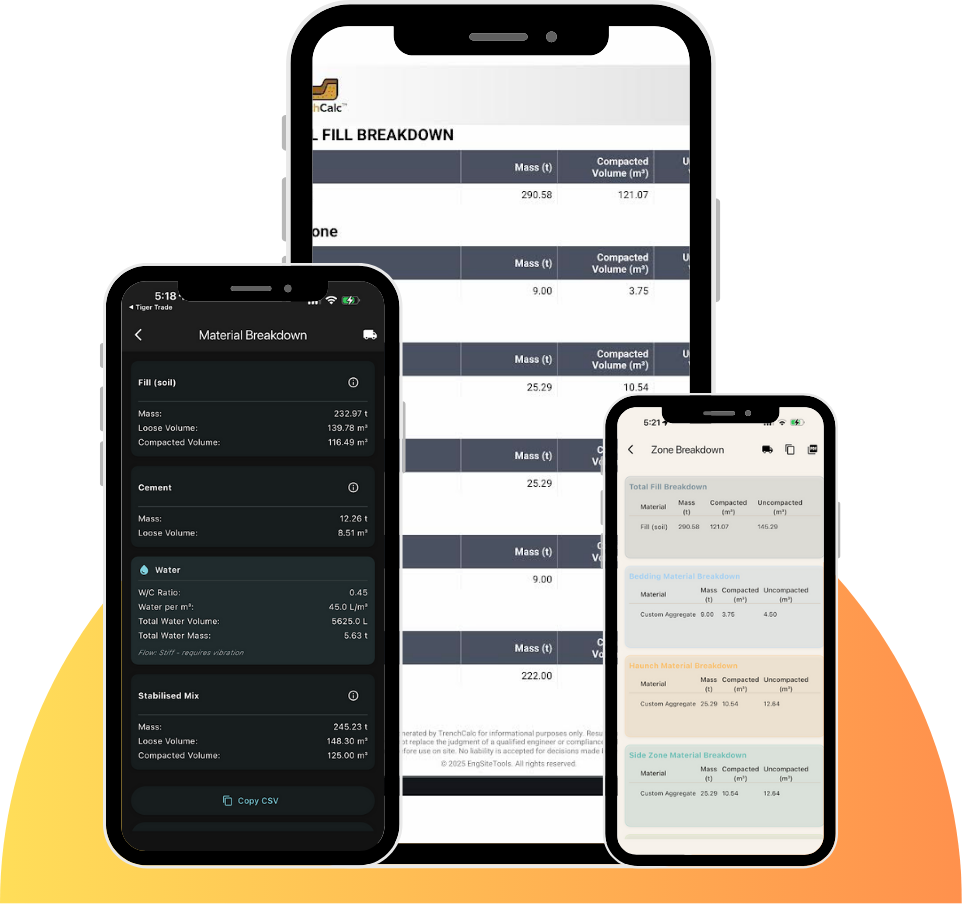
Calculate
Know your quantities before you dig.
Punch in your trench dimensions and get your volume, tonnes and water figures straight away.

TrenchCalc
A trench works platform. Scan trench and stockpile volumes, estimate costs, and create the documents, all from your phone.
Calculate
Punch in your trench dimensions and get your volume, tonnes and water figures straight away.
Stabilise
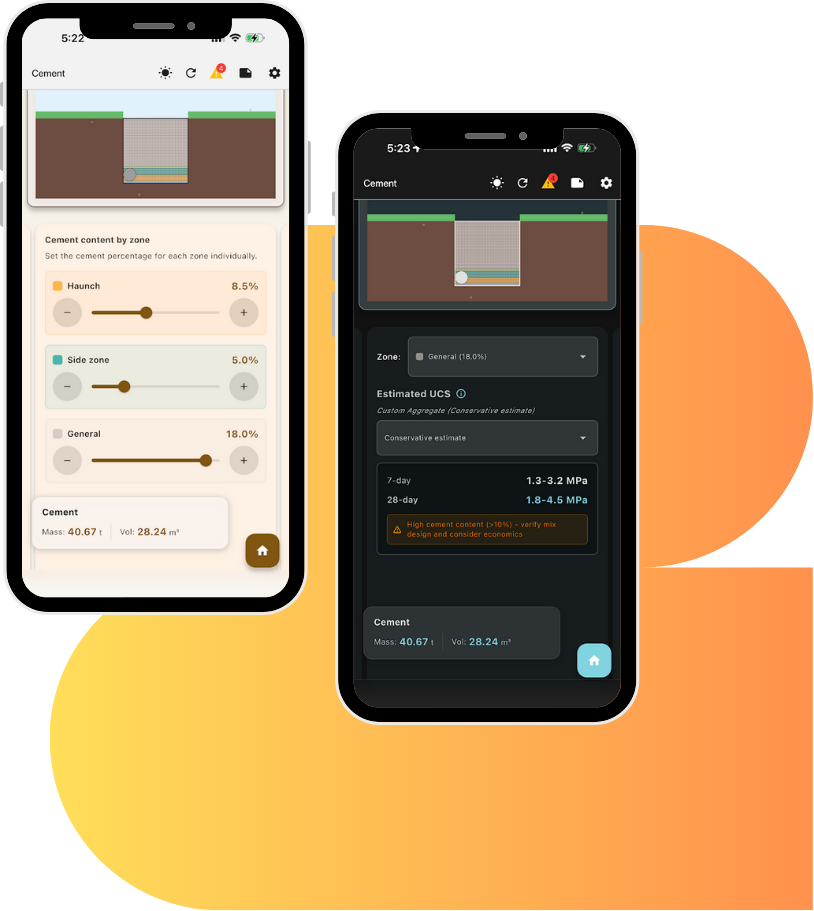
Get the cement quantity for your stabilised backfill, worked out from the trench volume and your mix.

Scan
Scan a stockpile with your phone's LiDAR and get the volume in cubic metres, right there on site.
What it works out
TrenchCalc starts with the dimensions you'd measure on site and builds up from there.
Length, base width and depth, with vertical, battered or benched walls. Battered walls take the batter as H:V, and benches step at 1:1.
Preset or custom fill with its density and compaction factor, bedding and overlay depths, and how many truck loads move the volume.
Cement from 0 to 20 percent, by zone if you need it, with the cement mass, the water, and a 7-day and 28-day strength estimate.
Round or box culverts, their spacing and clearance, the volume left once they're in, and a warning if they don't fit.
Scan a stockpile or trench with an iPhone or iPad Pro that has LiDAR, and get the volume on the device.
Spoil pile size, soil testing frequency, geofabric rolls, a construction planner with costs, and GPS-tagged photos.
Working it out by hand? Read how to calculate trench volume and how to calculate cement for stabilised backfill, or compare Free and Lifetime.