

SiteArea
Tap the corners. Get the area.
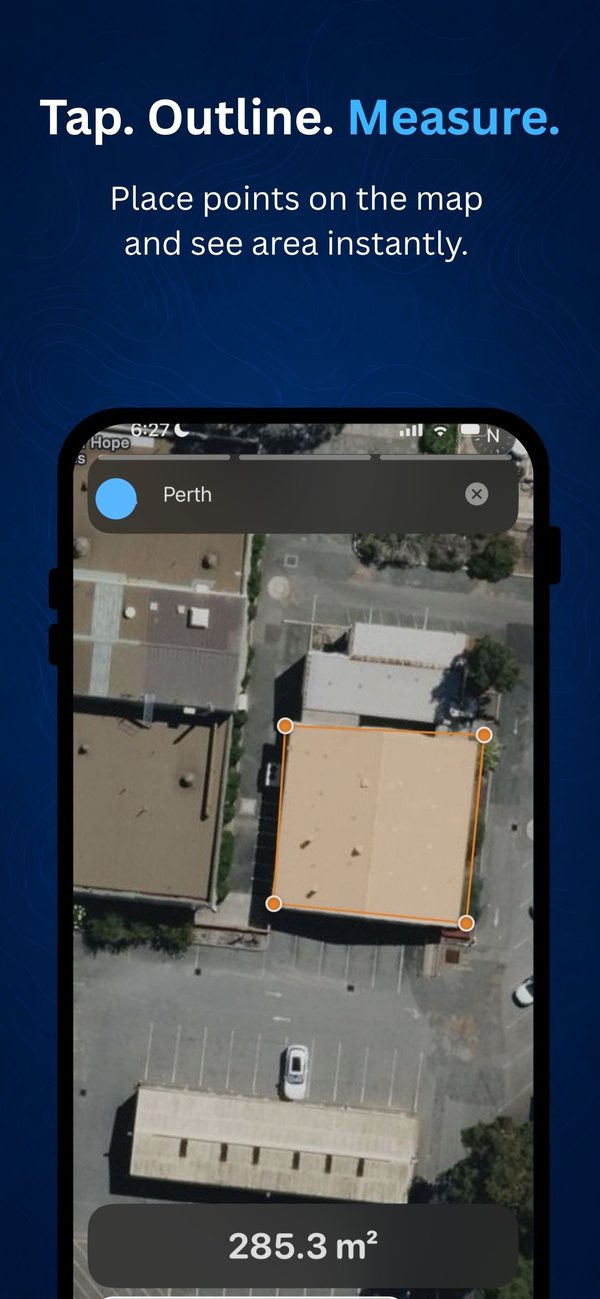
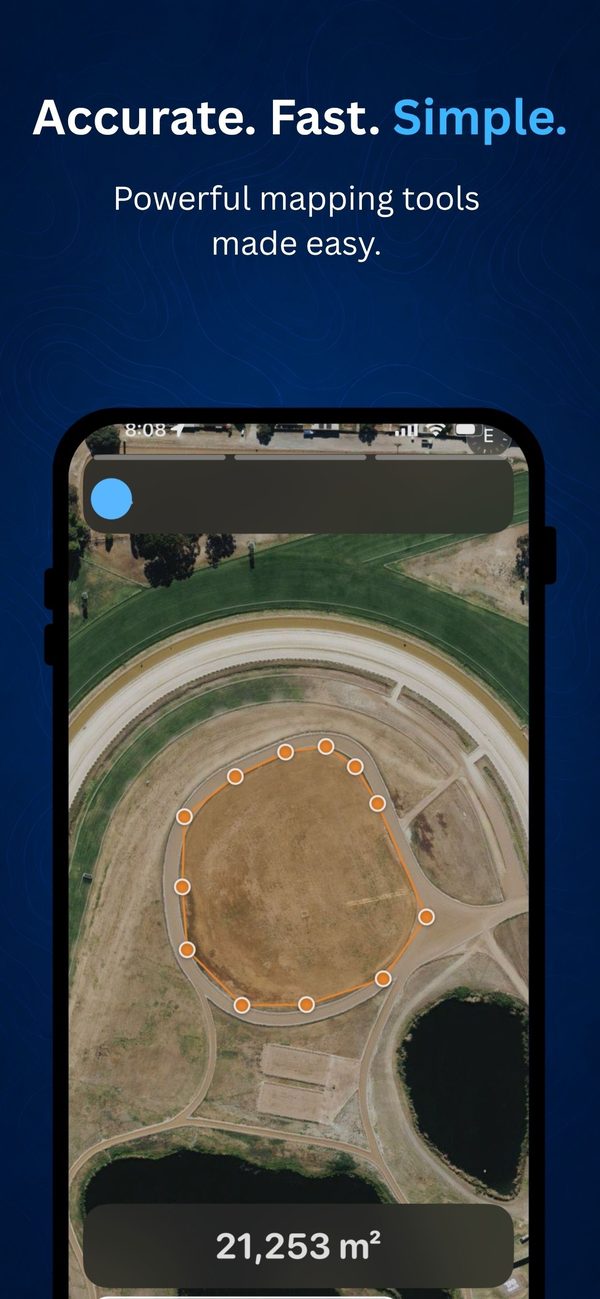
SiteArea measures land area on a map. Tap three or more corners on the satellite view, and it closes the shape and works out the area for you.
- Free
- iPhone and iPad
- No ads
What it does
Outline it, measure it, done.
Search for an address, tap the corners of the site, and read the area in square metres. SiteArea calculates the area on the curved surface of the earth, rather than as a flat shape on the screen.
- Tap three or more corners and the shape closes itself
- Geodesic area in square metres, calculated on the curved earth
- A hybrid map with satellite imagery and labels, so you can match what you see on the ground
- Search for an address or place and start measuring
- Undo the last point, or clear the shape and start again
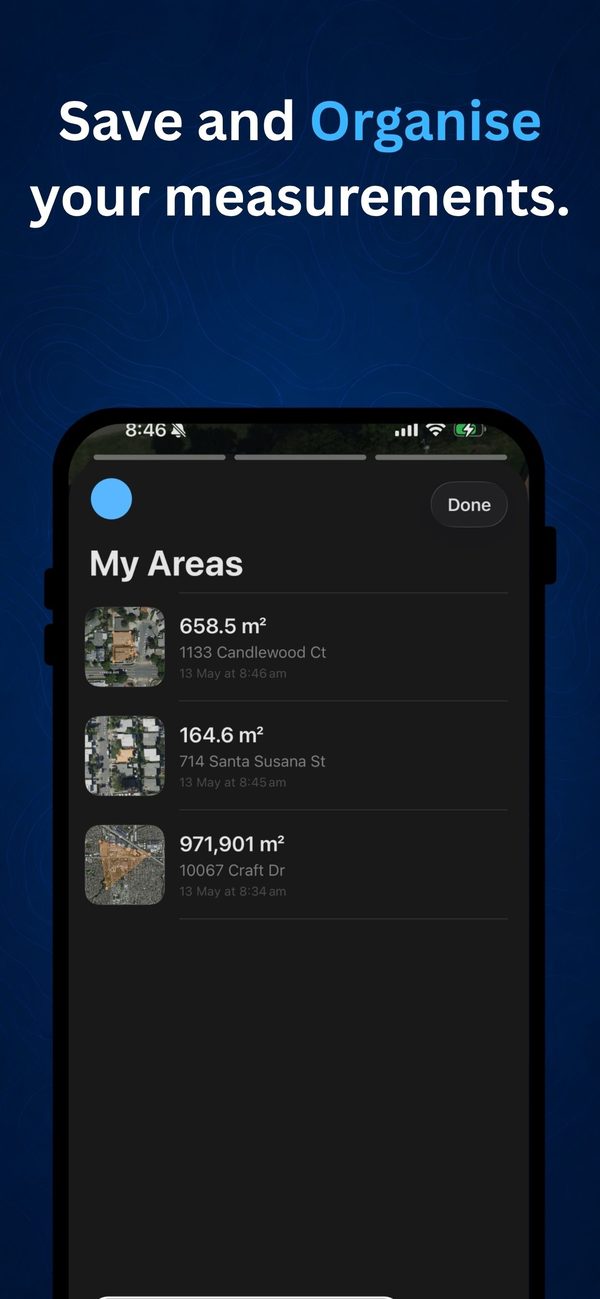
- Keep a list of the areas you've measured
- No ads, no subscription, and no access to your location
Good for comparing lots, sizing a lawn or yard, planning outdoor space and quick site checks.
Screenshots
See it in use.
Before you start
What you need.
- An iPhone or iPad running iOS 26.2 or later
SiteArea measures plan area: the area as seen from above. It doesn't account for elevation, so on sloping ground the real surface is bigger. Map imagery can sit a few metres out, so use it for planning and estimates, not for legal boundaries.
Questions about SiteArea?
Tell us which device you're using and what you were measuring, and we'll get back to you.