

FastOCR
Point the camera. Copy the text.
FastOCR gets the text out of whatever you're looking at, from documents and notes to receipts, signs, screens and handwriting, so you don't have to retype it.
- Free
- iPhone and iPad
- On-device
What it does
No menus. Just the text.
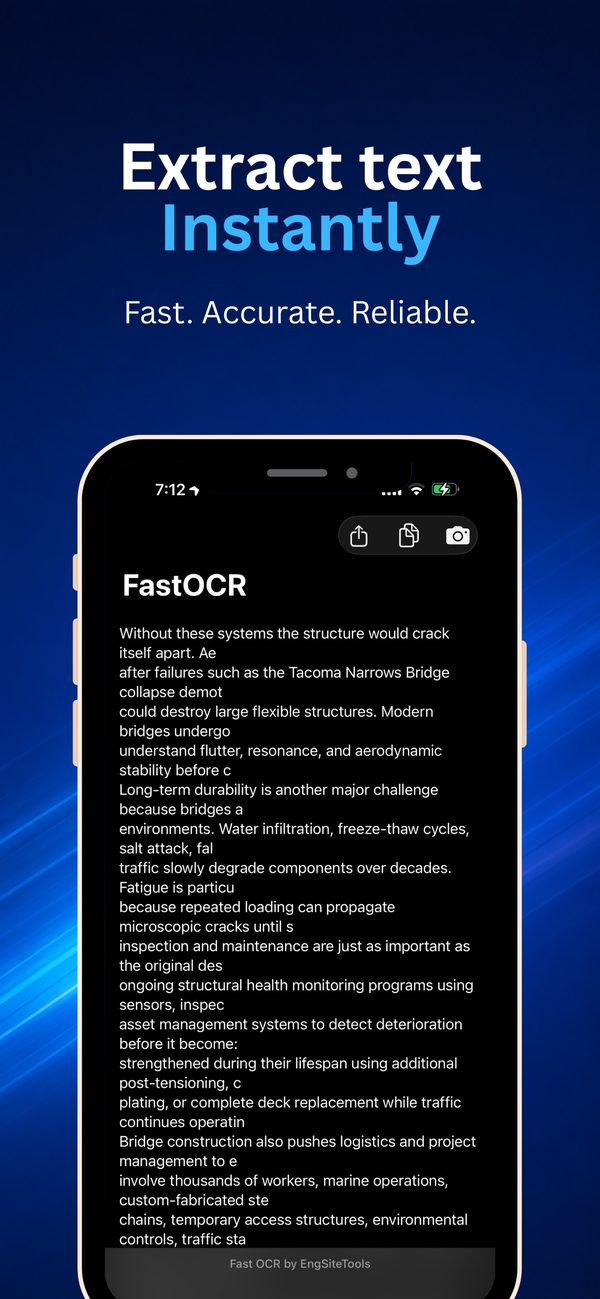
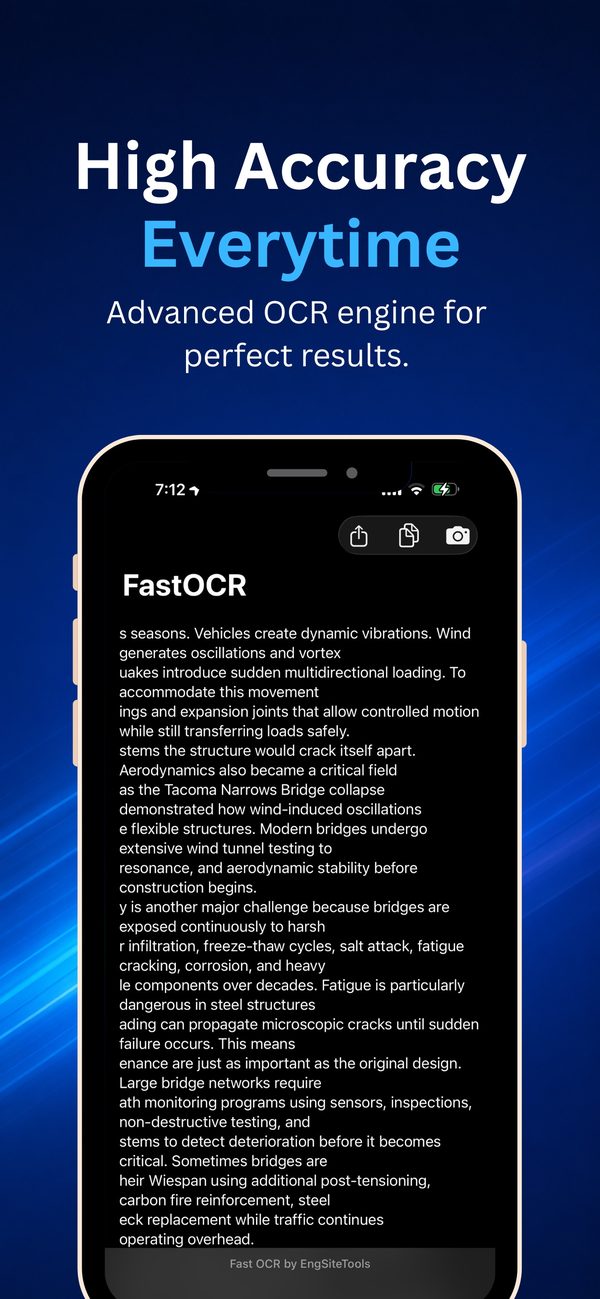
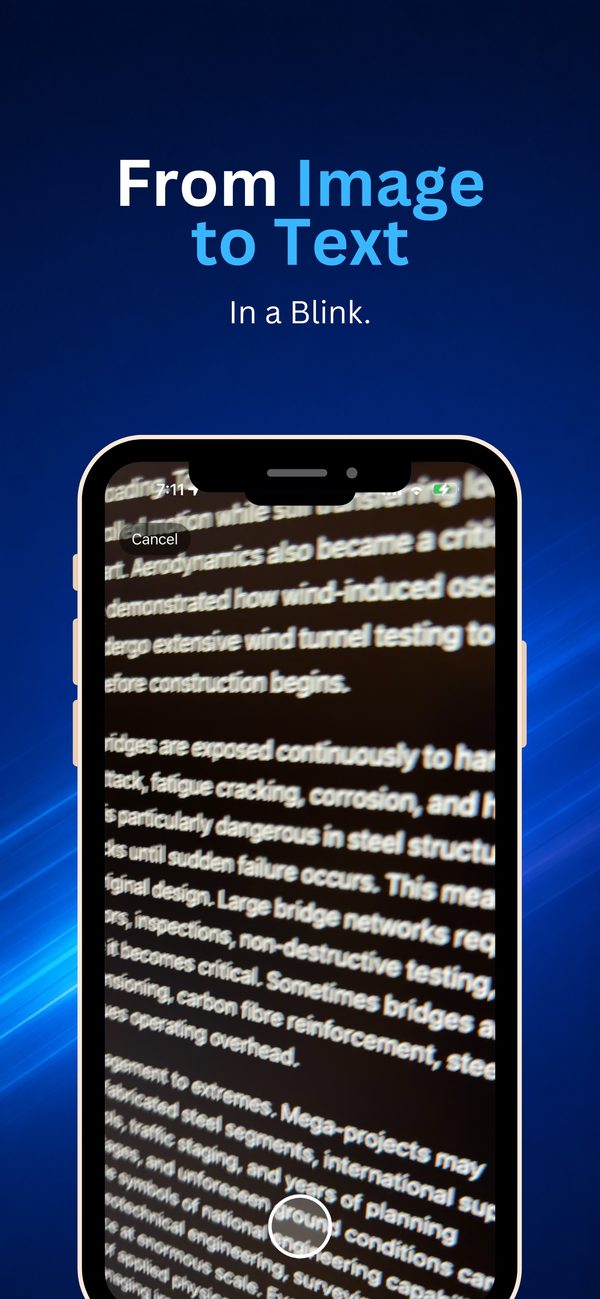
Point the camera at the text, or pick a photo, and FastOCR recognises it in seconds. Copy it with one tap and get on with your day.
- Real-time text recognition from the camera
- Import a photo from your library
- Copy the text to the clipboard in one tap
- A clean, minimal interface with nothing in the way
- Recognition happens on the device, and your photos aren't uploaded
Handy for documents, notes, receipts, signs, screens, books and handwriting: anything you'd otherwise retype.
Screenshots
See it in use.
Before you start
What you need.
- An iPhone or iPad running iOS 26.2 or later
Recognition works best in good light, with the text flat and in focus.
Questions about FastOCR?
Tell us which device you're using and what you were measuring, and we'll get back to you.